

The workplace
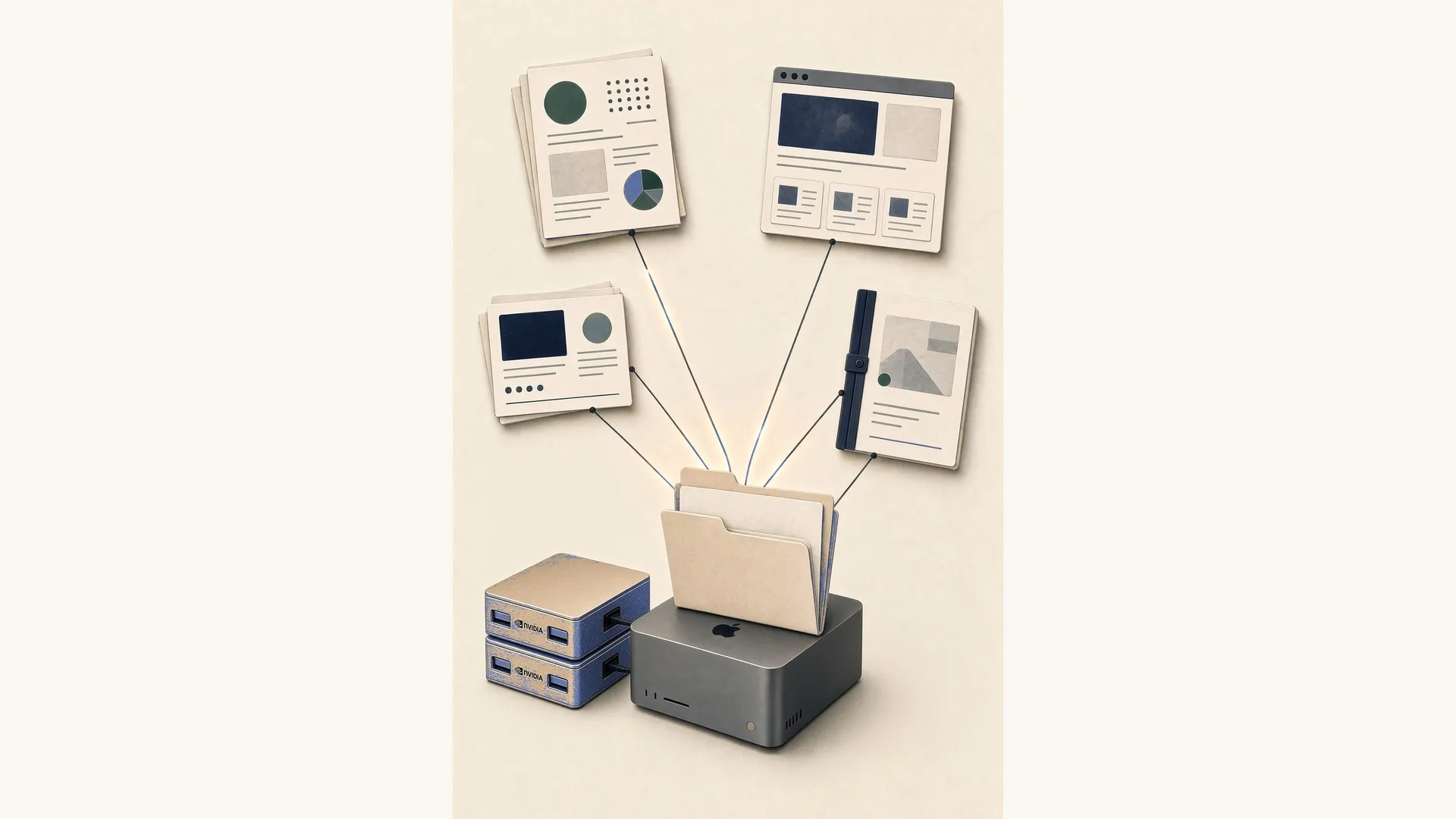
Aipokit is the workplace an organisation — or a team within one — actually operates. Files under your control. People and agents on the same work. Four pillars underpin it: place, work, doors, and policy. A week in the organisation →
How the workplace is structured
Editors, publishing, and specialised applications share one operating model — not a second product identity.
Place
Workspaces and typed folders — knowledge, media, courses, sites, apps, shared data. Multi-app folders when one dataset needs more than one view.
Work
Process engine for human-and-agent work — cases, tasks, approvals, audit history.
Doors
Ask — the AI assistant inside Aipokit. MCP for agents outside the product. Process Console for operators. The same capability surface for what matters.
Policy
Access, residency, risk classes, step-up approvals — no silent admin path for agents.

Workspaces and folders you control
Knowledge is organised as folders with types — courses, sites, media, processes, apps, plain files. Agents and people work on the same paths. Multi-app folders share a data plane so management and audit views, for example, read the same CSVs without private copies.

Author over your files — without lock-in.
Site, course, presentation, diagrams, forms, and text. Focused editors on the same workspace files. People write there; the operations underneath are the same ones Ask and agents you operate use.

Ask in product. MCP outside. Same policy.
Ask is the AI assistant built into Aipokit — chat and act on any folder type when you are in that place, and manage processes (list, start, complete, open). MCP lets Claude, Hermes, OpenClaw, or a custom loop use the same tools with risk classes and step-up approvals. External agents do not receive a private path around controls.

Model it in BPMN, then run it
Draw a process in BPMN Studio, deploy it, and run supervised workflows where agents and people share tasks. Live instances, human approvals for consequential writes, and a run history you can audit. Process results can land on the folder data plane for multi-app views. YAML is the process runtime source of truth; BPMN is the authoring surface.
A memory graph over your workspace
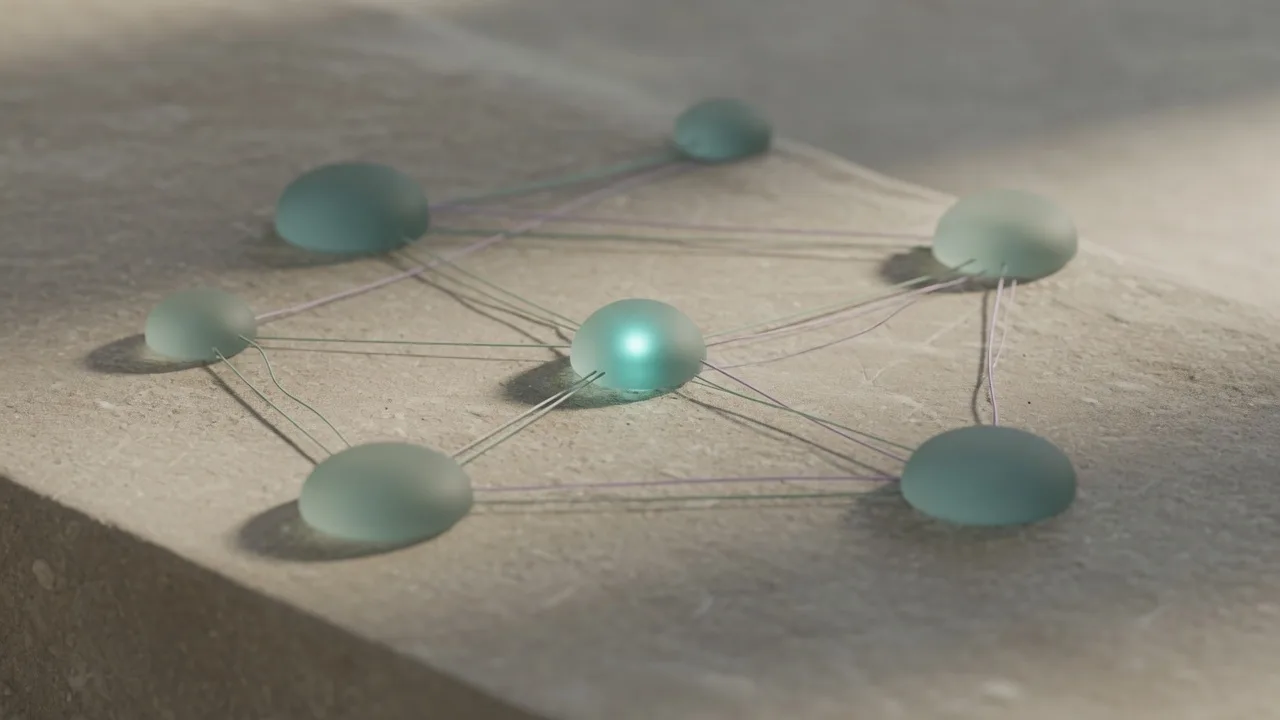
Aipokit indexes the workspace into a connected graph — search, relationships, and context that people and agents share. Prefer knowledge links over bulk static assets; the graph is the memory layer on infrastructure you control.

From source to live output
Sites, courses, and presentations publish as static, SEO-safe output. Federate across a private authoring node and public delivery nodes. This site is built by the Aipokit site generator from workspace files.

Your infrastructure, your boundary
Per-account isolation, access control, and residency choices. Aipokit supports AI Act and GDPR obligations with human oversight, logging, and exportable files — obligations remain with the deploying organisation. Self-host on infrastructure you control. Export is part of the product, not a promise after the fact.
Lean core, clear surfaces.
See the platform on your work.
A selective written partnership walkthrough — place, process, Ask, and policy on your materials. The seminar is a structured way to begin; the product is day-to-day operations.